Why Your MIS Reports Are Always Late (And How ERP Fixes It)
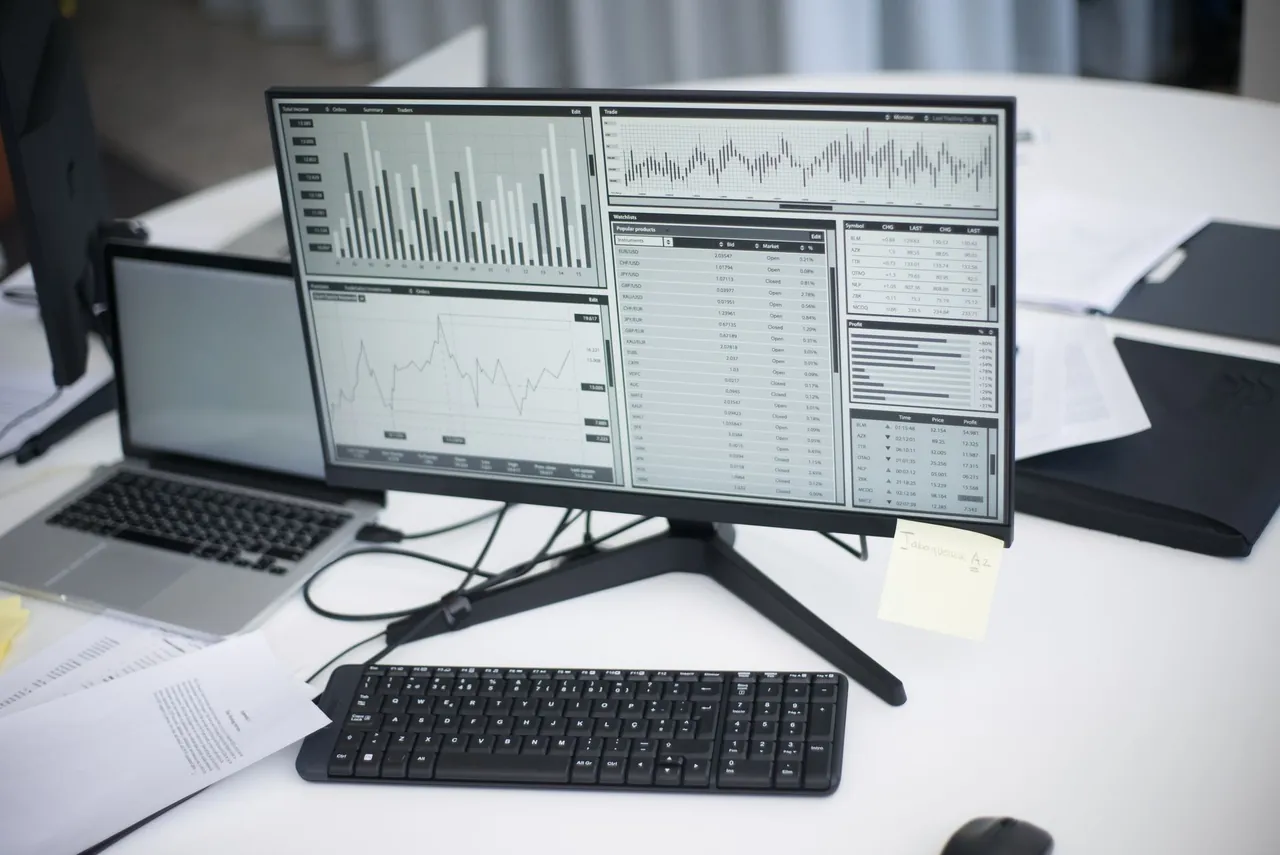
The Monday Morning Problem
It is Monday morning. The management meeting starts at 10 AM. The MIS report should be ready. But it is not. The accounts team is still consolidating numbers from three different spreadsheets. The sales report is waiting for one regional manager who has not submitted his weekly update. The inventory numbers do not match because the warehouse team posted yesterday's receipts this morning.
Sound familiar? In most Indian mid-sized businesses, the weekly MIS report is not a five-minute automated exercise. It is a multi-day, multi-person effort that involves phone calls, WhatsApp messages, email attachments, and a fair amount of frustration.
The result? By the time the MIS data reaches decision-makers, it is already stale. You are making this week's decisions based on last week's data, or worse, last month's data. It is like driving by looking in the rear-view mirror.
Why MIS Reports Are Late: The Root Causes
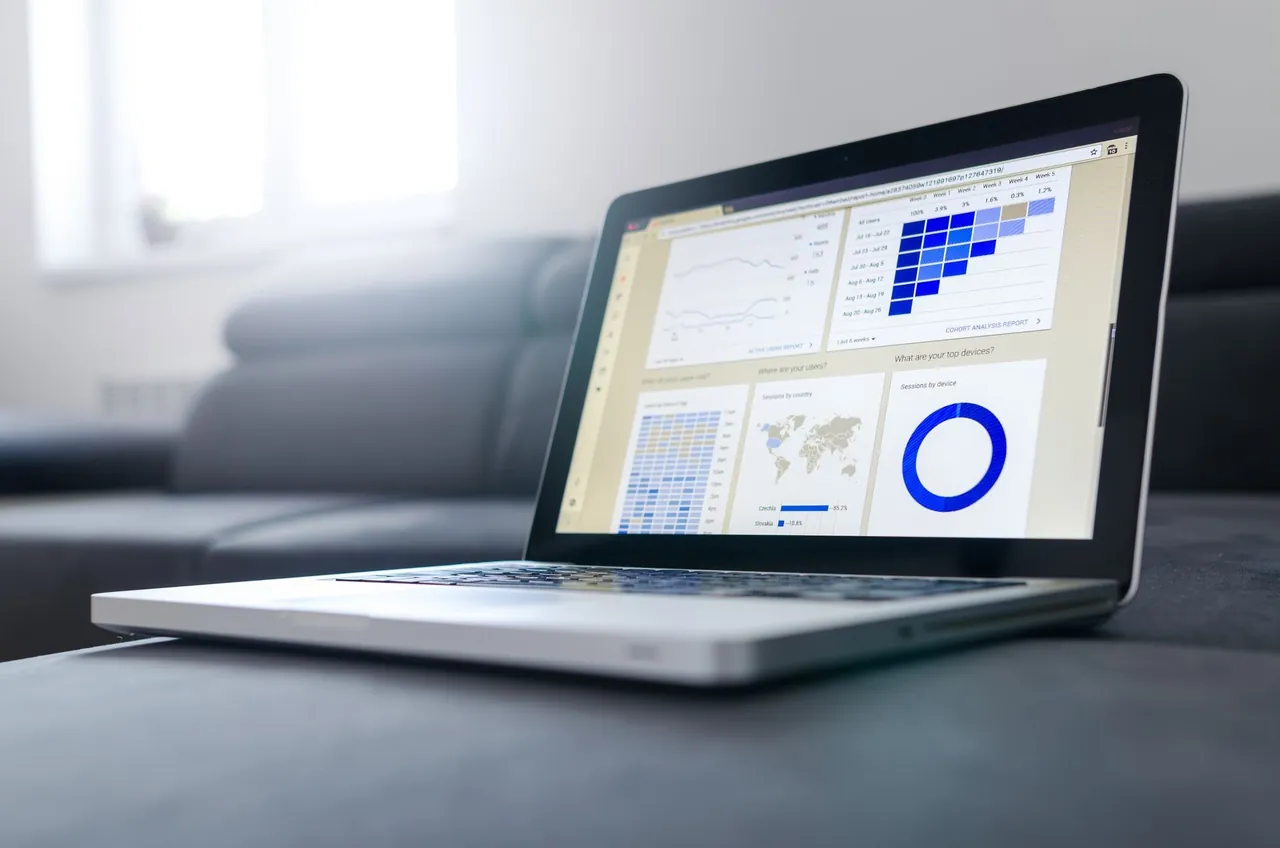
Data Lives in Multiple Systems
Sales data is in the CRM (or in a salesperson's notebook). Inventory data is in Tally or a warehouse register. Production data is in an Excel sheet maintained by the plant manager. Financial data is in the accounting software. To build an MIS report, someone has to collect data from all these sources, normalise it, reconcile it, and compile it. Each source has its own format, its own update frequency, and its own definition of what "current" means.
Manual Data Entry Creates Delays
When data has to be manually entered into a system, there is always a lag between when the event happens and when it appears in the system. A dispatch that happens on Friday afternoon might not be entered until Monday morning. A customer payment received on Thursday might not be posted until the following week. These delays cascade through the reporting chain.
Reconciliation Takes Time
Before the MIS report can be trusted, the numbers need to reconcile. Does the sales figure match the invoice register? Does the inventory balance match the stock report? Does the bank balance match the books? When data comes from multiple sources, reconciliation is a manual, time-consuming exercise, and it is the reason your accounts team dreads month-end.
People Are the Bottleneck
The biggest delay is often human. The regional manager who has not submitted his report. The plant supervisor who forgot to update the production log. The accounts executive who is still entering last Tuesday's invoices. When your reporting chain depends on people remembering to update their respective systems on time, delays are guaranteed.
How ERP Eliminates Late MIS Reports
An ERP like SAP Business One does not just give you better reports. It eliminates the reasons reports are late in the first place.
Single Source of Truth
In SAP B1, there is only one system. Sales, purchasing, inventory, production, and finance all operate from the same database. There is no need to "collect" data from multiple sources because all the data is already in one place. A report that pulls sales figures, inventory levels, and financial data can do so from a single query.
Real-Time Data Entry
Because SAP B1 is the system your team works in (not a separate reporting system they have to update), data entry happens as part of the normal workflow. When a sales order is created, it is in the system immediately. When goods are received, the inventory updates in real-time. When a payment is posted, the cash position reflects it instantly.
Automatic Financial Postings
Every transaction in SAP B1 generates its corresponding financial entry automatically. There is no lag between the operational event and its financial impact. The profit and loss statement, the balance sheet, and the cash flow statement are always current, not "current as of last Tuesday when the accounts team finished posting."
Built-In Reports and Dashboards
SAP B1 comes with over 200 built-in reports covering sales, purchasing, inventory, production, finance, and more. These reports pull from live data and can be generated at any time. No compilation. No reconciliation. No waiting for someone to update their spreadsheet.
What Real-Time MIS Looks Like
Imagine walking into your Monday morning meeting and seeing this on the screen:
- Sales dashboard: This week's orders, last week's invoicing, pipeline value by stage, top 10 customers by revenue, all updated to the minute.
- Inventory dashboard: Current stock value across all warehouses, stock ageing analysis, items below reorder level, dead stock alerts. Live data, not last month's snapshot.
- Financial dashboard: Cash position, receivables ageing, payables due this week, gross margin by product line. Real-time, reconciled, accurate.
- Production dashboard: Work orders in progress, completion rates, raw material consumption vs plan, quality rejection rates, updated as production reports are posted.
This is not a fantasy. This is what SAP Business One delivers out of the box, with no additional reporting tools or custom development.
The Executive Decision-Making Impact
When MIS data is available in real-time, the nature of management decisions changes fundamentally:
- From reactive to proactive: Instead of discovering last month's problems, you spot this week's issues before they become problems.
- From gut-feel to data-driven: When accurate data is available instantly, decisions are based on facts rather than intuition.
- From monthly to continuous: You do not need to wait for the month-end close to know how the business is performing. You know every day.
- From aggregate to granular: Instead of looking at company-level totals, you can drill down into product-level, customer-level, or salesperson-level performance.
Custom Reports and Alerts
Beyond the built-in reports, SAP B1 allows you to create custom queries and reports tailored to your specific KPIs. You can also set up automated alerts: for example, receive an email whenever a customer's outstanding crosses a threshold, or when inventory of a critical item drops below safety stock.
The Bottom Line
Late MIS reports are not a people problem. They are a systems problem. When your business runs on disconnected tools, reporting will always be late, always be painful, and always require manual effort. SAP Business One solves this by making reporting a natural output of daily operations rather than a separate, laborious activity.
If you are tired of making decisions based on stale data, book a free assessment. We will show you what real-time MIS reporting looks like for a business like yours.
Written by the Indivar team
Consultants and engineers delivering business process, security and infrastructure work since 2009: 30+ years of senior architecture experience, SAP Partner since 2015.